Use this guide when you want another player, family member, class, or group to access a hunt you created.
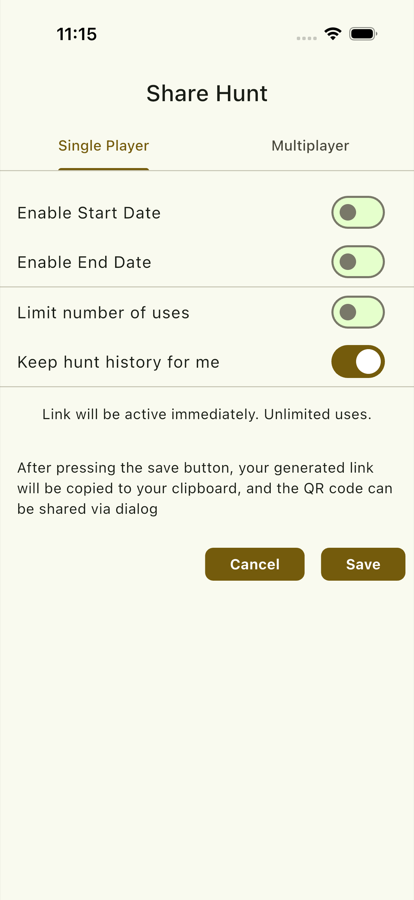
Steps
- Open My Hunts.
- Select the private hunt you want to share.
- Open the share options.
- Choose the sharing method:
- Copy a private link.
- Show or send a QR invite.
- Start a multiplayer session if available for your hunt.
- Send the link or QR code to the players.
- Ask players to open the invite on their own device.
- Confirm they can see the hunt before starting.
Use Cases
- Send a prepared hunt to another parent.
- Let party guests join from their own phones.
- Share a classroom activity with students.
- Reuse a hunt across multiple groups.
Before Sharing
- Check that the hunt has all required clues.
- Check that QR codes are ready.
- Remove test clues or draft content.
- Confirm the hunt name is clear for recipients.