Use this guide before running a hunt so every QR code is printed, placed, and ready for players.
Choose the Right QR Code Type
- Use static QR codes for Treasure Hunts where each code belongs to a known hiding place.
- Use dynamic QR codes for Scavenger Hunts where players can find codes in any order.
Steps
- Open the hunt or QR code area in Backyard Hunt.
- Confirm the hunt type.
- Review the clue list.
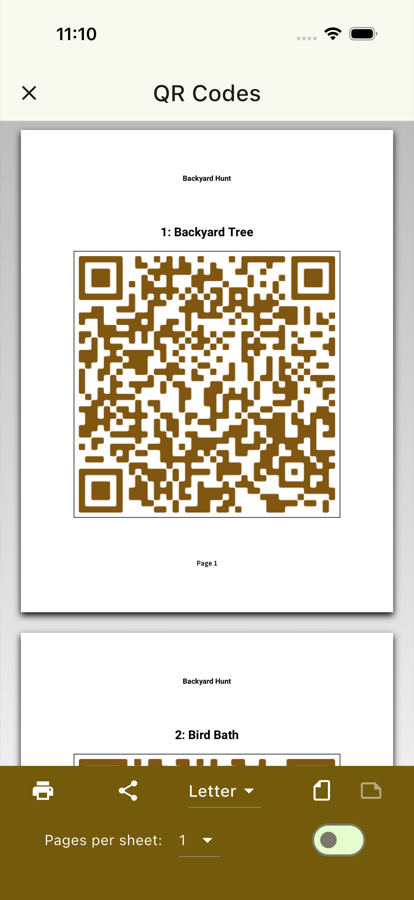
- Generate or open the QR codes for the hunt.
- Print the codes or save them as a PDF.
- Cut out the codes if needed.
- Place each code in the correct location.
- Scan a few codes with a test device before players start.
Placement Tips
- Put codes somewhere visible enough to find but not obvious from a distance.
- Keep codes flat and readable.
- Avoid shiny surfaces, wet areas, and locations with poor lighting.
- For outdoor hunts, protect printed codes from wind and moisture.
Final Check
The QR setup is ready when each code scans cleanly and opens the expected clue task.