Use a Treasure Hunt when players should solve clues in a fixed order and move from one location to the next.
When to Use This
- Birthday treasure trails.
- Classroom or homeschool activities.
- Family games where the final clue leads to a reward.
- Indoor or backyard hunts where each hiding place matters.
Steps
- Go to My Hunts.
- Tap Create New Hunt.
- Choose Treasure Hunt.
- Name the hunt.
- Save the hunt and open its details page.
- Add the first clue task.
- Choose or write the hint that leads players to the next hiding place.
- Repeat until every hiding place has a clue.
- Make the final clue point to the treasure, reward, or finish location.
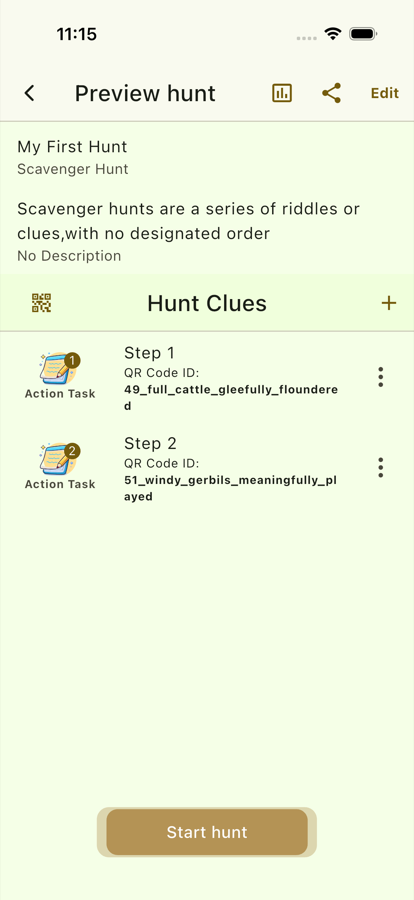
- Review the full clue order before players begin.
Setup Tips
- Put clues in the same order players should discover them.
- Use specific hints for younger players and more indirect hints for older players.
- Place QR codes at the physical hiding spots before starting the game.
- Keep the final clue special so the ending feels intentional.
Before Players Start
- Open the hunt details page.
- Confirm every clue has a task.
- Confirm every clue has a useful hint.
- Walk the physical route once to check that each QR code is in the right place.
- Start the hunt only after the codes are placed.