Use this guide to build the playable parts of a hunt. A clue gives players something to solve, and the task is the challenge attached to that clue.
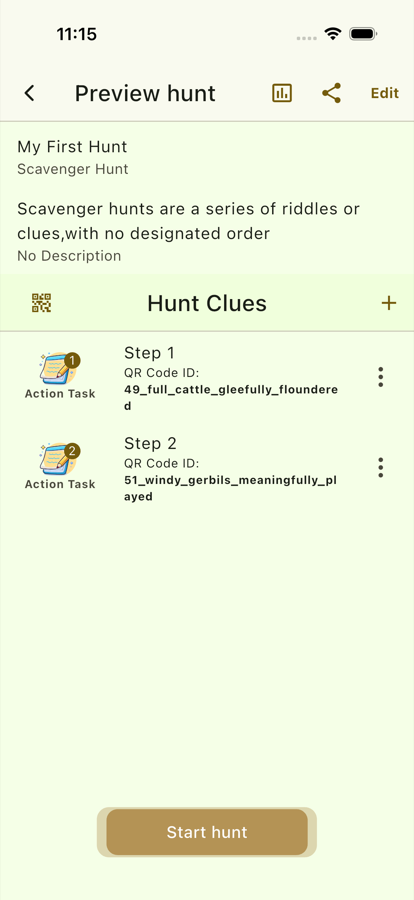
Steps
- Open My Hunts.
- Select the hunt you want to edit.
- Tap the option to add a clue or task.
- Choose the task type:
- Math for number problems.
- Selection for multiple-choice style questions.
- Free Text for typed answers.
- Enter the question, answer, and task settings.
- For Treasure Hunts, add the hint that points to the next location.
- Save the clue.
- Repeat until the hunt has all required clues.
- Open the hunt details page and review the list.
Task Design Tips
- Keep wording short enough for players to read while moving.
- Match task difficulty to the youngest expected player.
- Use different task types to avoid repetition.
- Test answers for spelling, punctuation, and number format before the game.
Review Checklist
- Every clue has a task.
- Every task has a correct answer.
- Treasure Hunt clues have useful hints.
- The clue order matches the intended route.
- The final clue gives players a clear finish.